

DICOM + imaging workflows
Bring DICOM studies into your medical AI workflow
Work with DICOM studies in MedSafeAI and connect imaging questions with specialist assistants, evidence search, and your clinical reference material.
See plansThe short answer
MedSafeAI includes DICOM support within its medical AI workspace. Bring a study into the workflow, examine it, and continue with imaging-focused questions and specialist assistance instead of treating the image and the discussion as separate tasks.
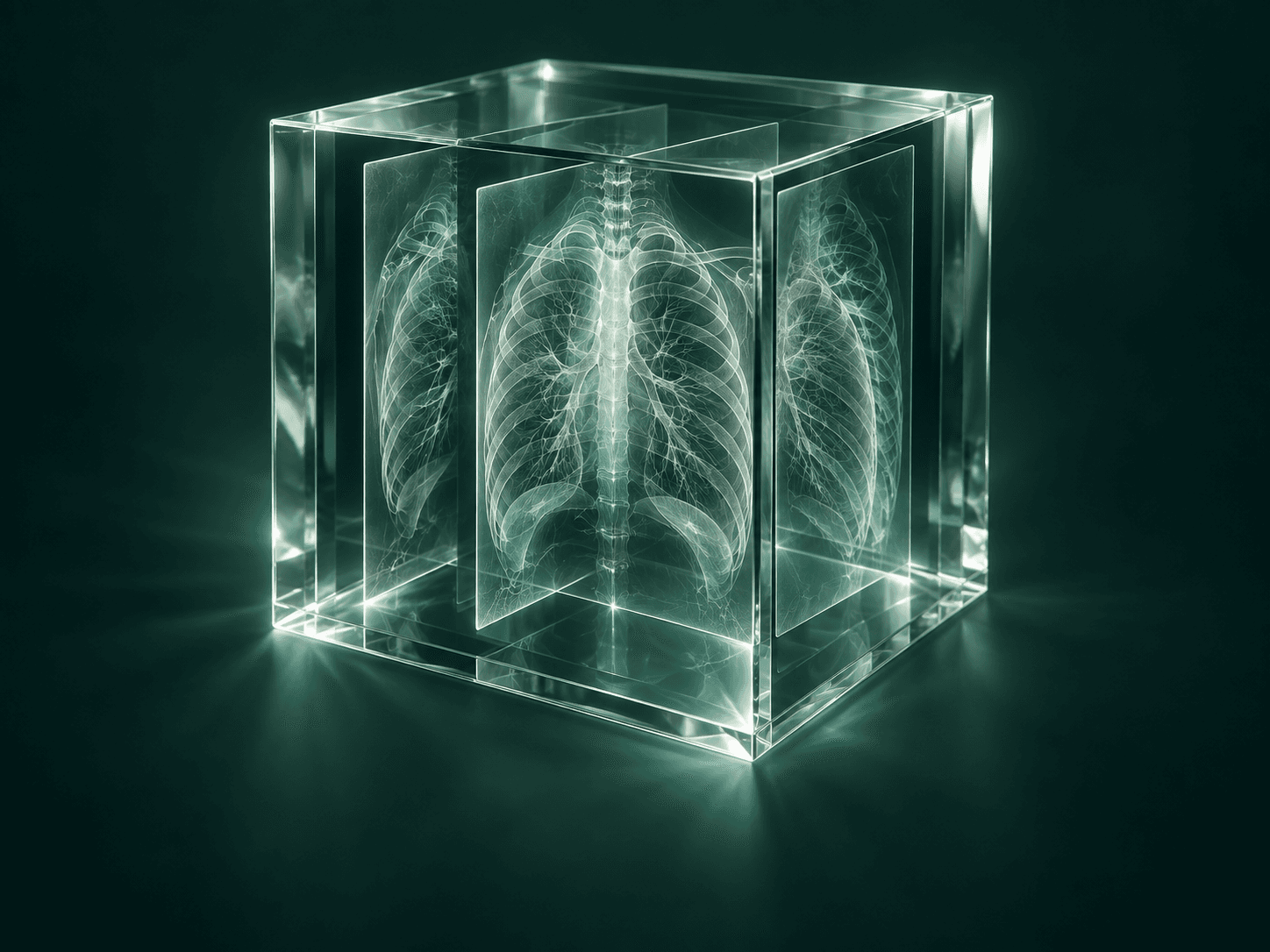
A study is more than a screenshot
An imaging question often needs context: what is being examined, what the existing report says, and which uncertainty you want to explore. DICOM support gives MedSafeAI an imaging workflow alongside its text, document, and evidence tools.
That does not turn a generated answer into a formal interpretation. Keep the original study and the appropriate clinical review central to the work. Use the AI interaction to organize questions, clarify terminology, or identify points that need a closer look.
Start with the question you want to investigate
Choose a study you are authorized to use and define the task before asking for a response. An educational case, a terminology question, and a report-consistency question need different prompts. Being specific makes the output easier to evaluate.
- Bring the DICOM study into MedSafeAI and review the material relevant to your task.
- State the question and the context you can appropriately provide.
- Use an imaging-focused assistant to structure the discussion.
- When discussing a report, separate what the report states from questions or interpretations generated by AI.
- Use evidence search for background reading and return to the original study when assessing the response.
Useful questions for learning and review
For an educational case, you might ask: ‘Explain the terminology used in this report and identify the points I should review with the original images.’ For a literature task: ‘What should I read to understand the imaging approach discussed here?’ These prompts make the intended use clear without asking the model to replace formal reporting.
MedSafeAI also includes specialist assistants such as a radiology report-versus-image consistency workflow. Treat the output as material to inspect: a flagged difference is a question for review, not proof that the report or image interpretation is wrong.
Keep imaging connected to the rest of your work
A question raised by a study can lead to a guideline, a comparison of explanations, or a teaching visual. MedSafeAI brings DICOM together with evidence search, citation Strict Mode, Ask All AI, Consensus AI, a personal AI Library, and medical visual creation.
Generated teaching illustrations and original diagnostic images serve different purposes. Keep them clearly distinguished when preparing educational material. Start with one familiar study and assess how the workflow helps you organize the discussion and find the next reference to read.
Common questions
Does MedSafeAI support DICOM?
Yes. MedSafeAI includes DICOM support and imaging-focused workflows in its medical AI workspace.
Is an AI response a radiology report?
A generated response is not a substitute for formal interpretation and the appropriate clinical review. Use it to support a clearly defined research, learning, or review task.
Is DICOM support the same as medical image generation?
No. DICOM workflows involve an existing imaging study. Medical image generation creates explanatory or educational visuals. Keep generated illustrations separate from original study material.
Sources & further reading
Follow the original sources to check the details. Product pages describe their own products; they are not independent clinical evaluations.
- MedSafeAI — official product website medsafeai.com
- MedSafeAI — official App Store listing and release notes apps.apple.com
For healthcare professionals. AI responses and agreement between models do not replace source verification or clinical judgment.